DiariApp: a daily log of your hours, not a planner
Log how much time you spent on each thing every day and, at the end of the week or month, see in the reports how many hours each area and task adds up to.
Without an account, your data stays only on this device.
Already have an account?
By creating an account you accept the privacy policy.
How it works
- 1
Log what you did
Each day, note which area you spent time on and for how long.
- 2
See it on the calendar
Every day shows its hours and you can go back to any date.
- 3
Add it up in reports
At the end of the week or month, reports total the hours by area and task.
What is an area?
Anything you spend hours on:
- A project
- A client
- A training plan
- After-school classes
This is what it looks like
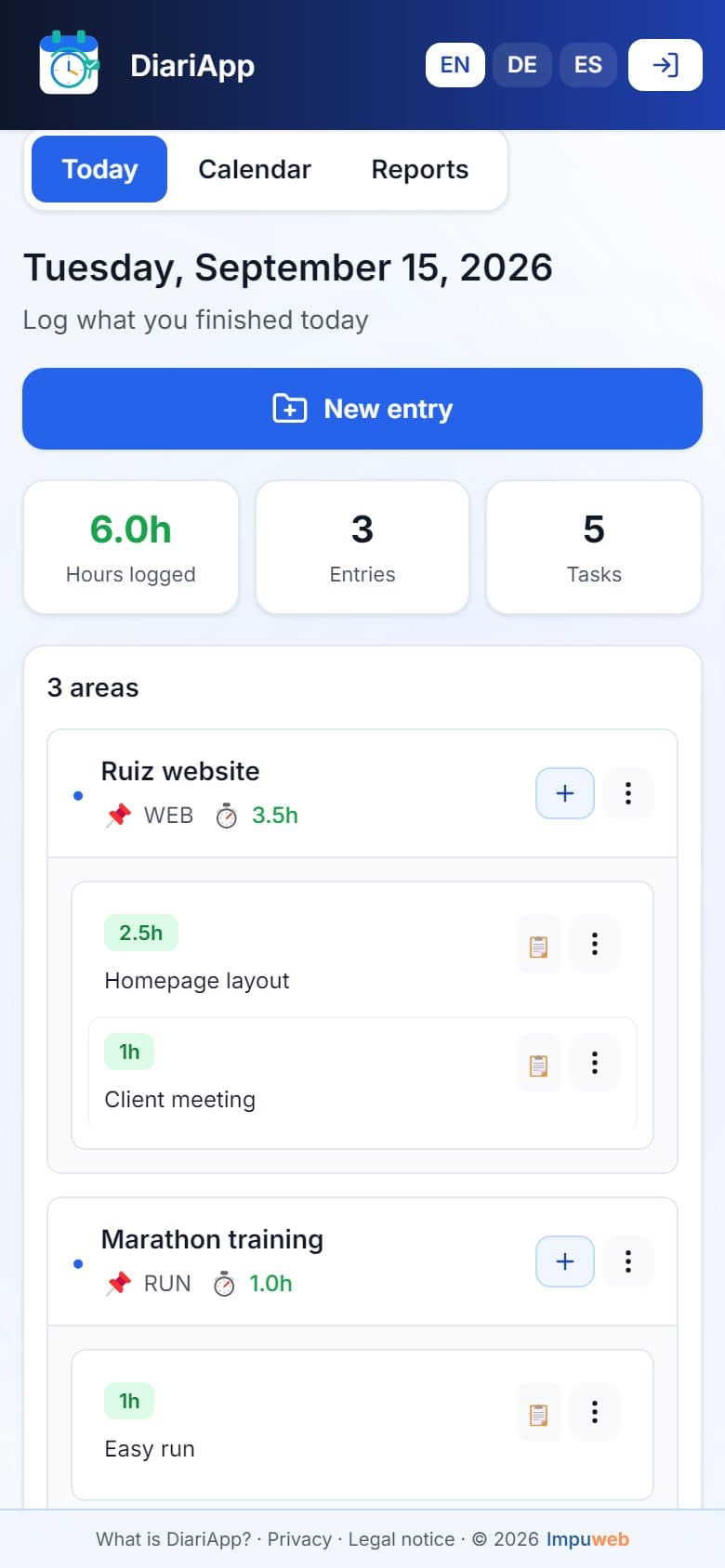
Today 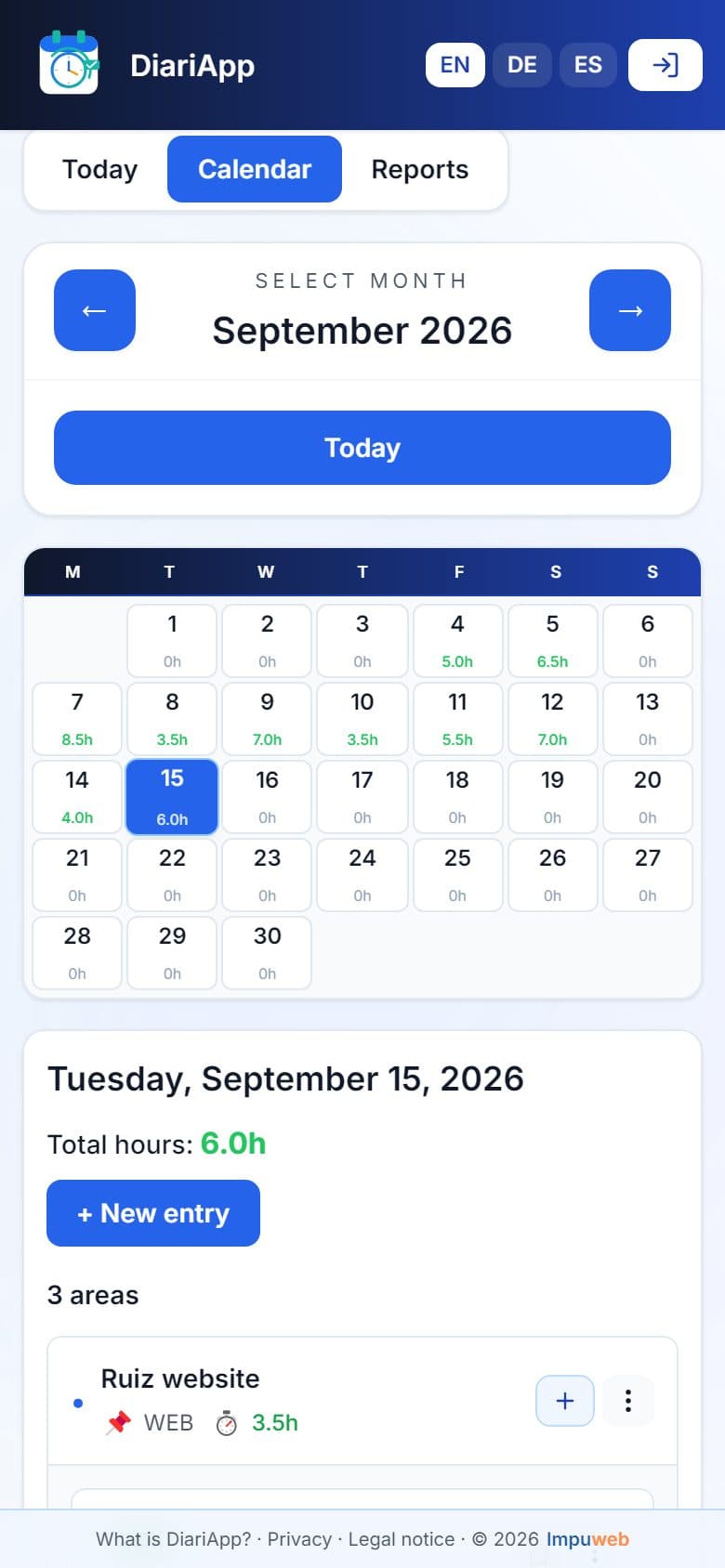
Calendar 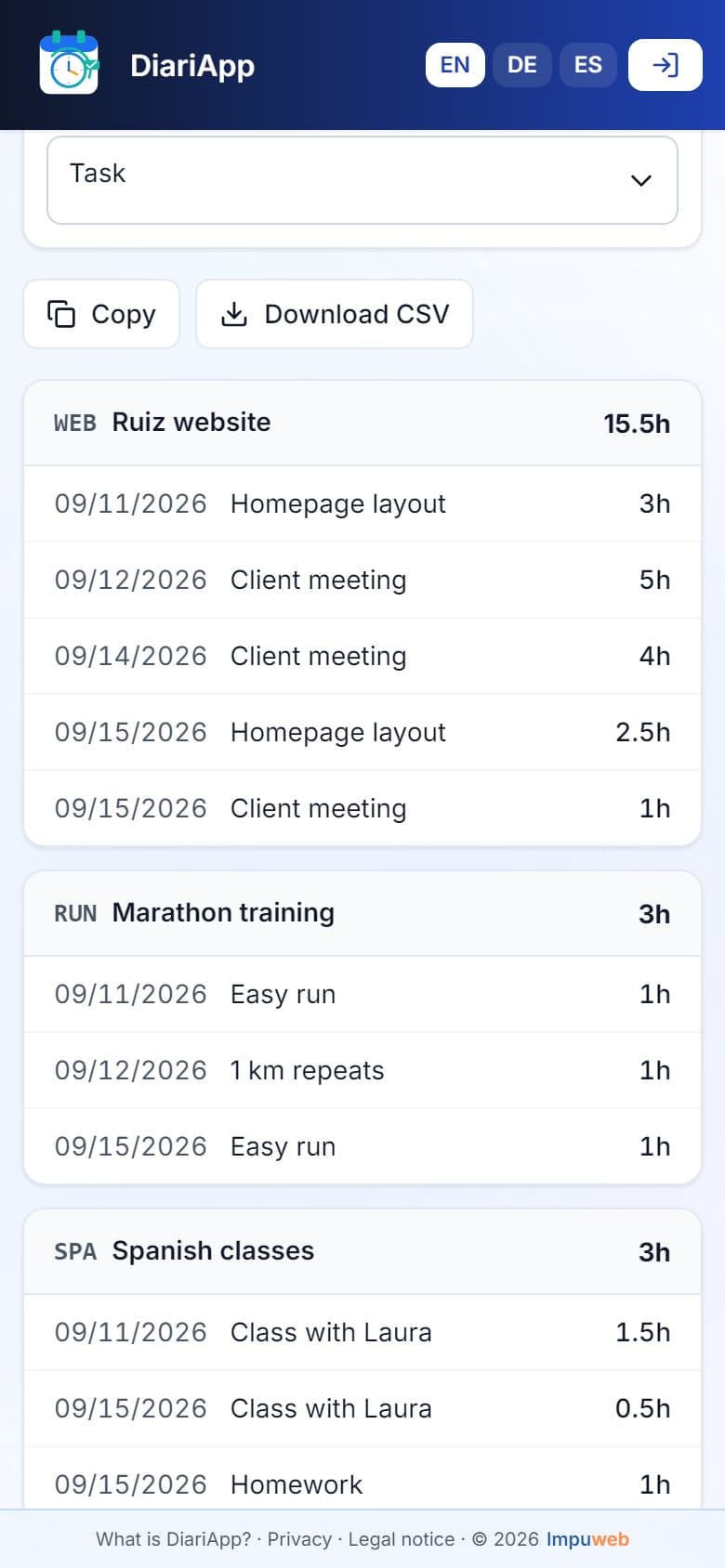
Reports
Install it on your phone
Add it to your home screen and open it like any other app.
On iPhone: Share → Add to Home Screen.
Frequently asked questions
Is it free?
For now, yes. A subscription or paid features may come later; if that changes, it will be announced in the app.
Do I need an account?
Not to try it. Without an account you're in demo mode: data is stored only on that device, may be lost and doesn't move to other devices. With an account it's saved and available on all your devices.
Where is my data stored?
In demo mode, in your device's browser storage. With an account, on our server, linked to your user. If you create an account after trying it, what you logged on that device is saved to your account.
What is an area?
Whatever you spend time on: a project, a client, a training plan, classes… Inside each area you can log tasks.
How is it different from a planner?
A planner schedules what you're going to do. DiariApp records what you've already done and how long it took, so you can add it up later.
Start today
Without an account, your data stays only on this device.
Already have an account?